

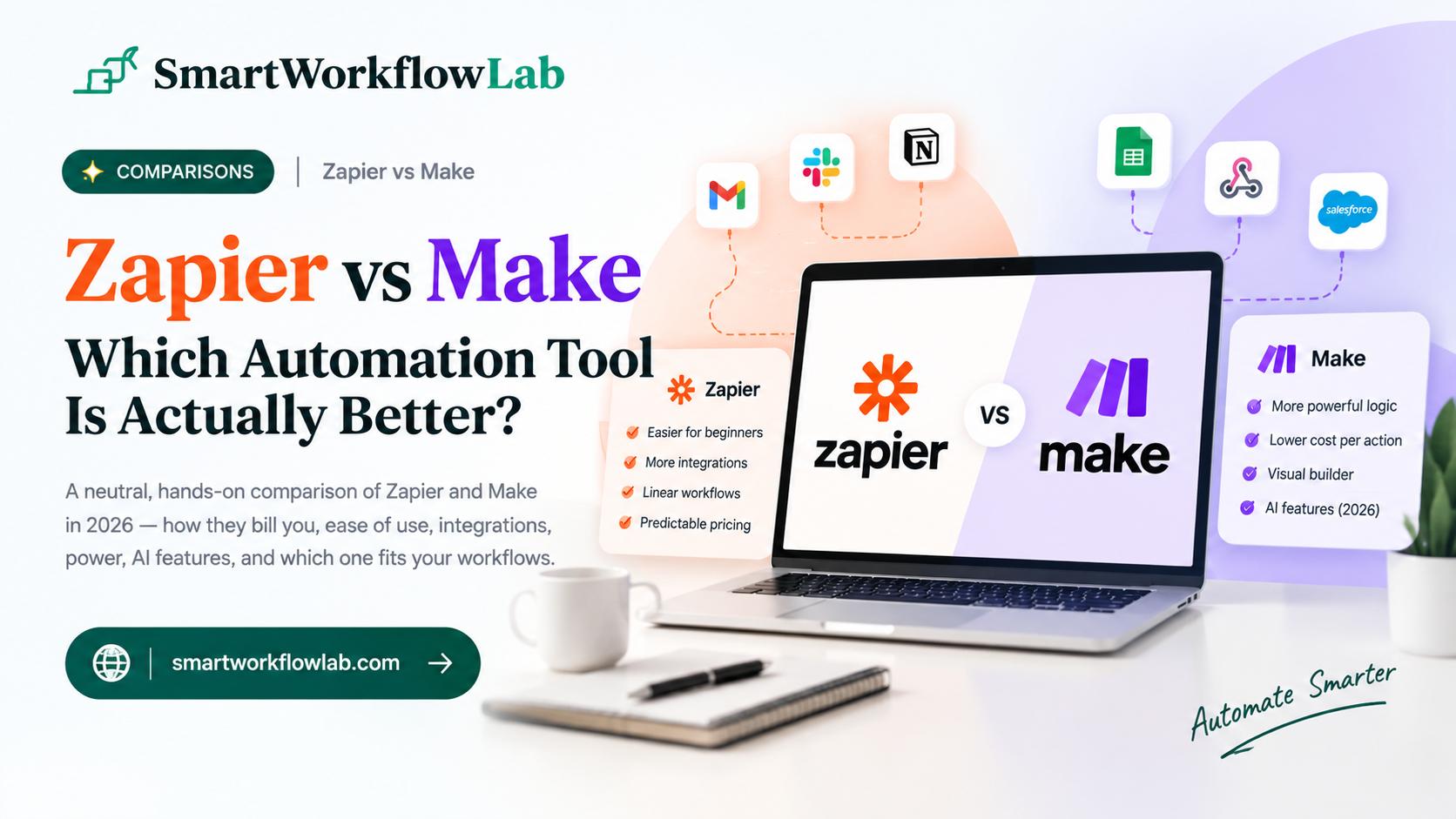
You’ve decided to automate the repetitive stuff — syncing leads to your CRM, sending Slack alerts, updating spreadsheets — and within five minutes of searching, two names come up again and again: Zapier and Make. Everyone has an opinion, half the comparisons are written by the tools themselves, and you still don’t know which one to actually pick.
Here’s a neutral take. We don’t sell either platform, so this is the honest version: both are excellent, they’re built for different kinds of people and workflows, and the right choice comes down to how your automations are shaped and how you like to work. Choose wrong and you’ll either overpay or hit a wall your tool can’t get around.
This guide breaks down the difference that actually matters (how they bill you), plus ease of use, integrations, power, AI, and clear guidance on which fits your situation.
The Short Answer
Pick Zapier if you want the widest app coverage and the simplest possible builder, and your automations are mostly linear — this triggers, then that happens. It’s the fastest path from idea to working automation, and it’s the safer choice for non-technical teams.
Pick Make if your workflows need real branching and logic, you’re running higher volume, and you want more automation for your money — as long as someone is comfortable learning a visual canvas.
In one line: Zapier is the easiest, Make is the most powerful-per-dollar. Now the details that tell you which side you’re on.
Zapier vs Make at a Glance
| What matters | Zapier | Make |
|---|---|---|
| Best for | Beginners, breadth, simple flows | Complex logic, volume, budget |
| Builder | Linear, step-by-step | Visual drag-and-drop canvas |
| Learning curve | Gentle | Steeper |
| Integrations | The most (thousands more) | Fewer, but supports custom API calls |
| Billing unit | Per task (each action step) | Per operation (every module run) |
| Cost per unit of work | Higher | Lower |
| Cost predictability | More predictable | Can spike on heavy workflows |
| Complex branching | Limited | Strong (routers, iterators, aggregators) |
| AI features | Broad suite, some agents cost extra | AI agents included across plans |
The Real Difference: How They Bill You
This is the part most people miss, and it decides which one is actually cheaper for you.
Zapier bills per task. A task is one action step that runs. So an automation that goes “new lead → enrich it → create a CRM record → send a Slack alert” spends about four tasks every single time it runs. The trigger itself is free. This model is predictable: you can look at a workflow and roughly know its cost.
Make bills per operation. An operation is every individual module execution — and that includes the steps inside a scenario each time it runs. A five-step scenario running 1,000 times uses around 5,000 operations. Make’s per-operation price is lower, but because everything counts, high-frequency or many-step workflows can consume credits faster than the cheap headline rate suggests.
The practical takeaway: Make usually gives you far more volume for the money on paper, but its costs reward efficient, well-built workflows. Zapier costs more per unit but is easier to predict. Before you commit, price one of your real workflows both ways — it’s the only way to know which wins for your specific case.
Ease of Use
Zapier is built for someone who has never automated anything. The builder is linear and guided: pick a trigger, add actions, done. Most people have a working automation within minutes, and a marketing manager or HR lead can adjust it later without help.
Make is a visual canvas where you connect modules and draw the logic of your workflow. It’s genuinely more capable, but that power comes with a learning curve — routers, filters, and data mapping take some getting used to. If you want the shortest path to “it works,” Zapier wins. If you’re willing to invest a little learning time for more control, Make pays it back.
Integrations
Zapier connects to the most apps by a wide margin — thousands more than Make. If your business relies on a niche or less common tool, Zapier is more likely to support it out of the box, and that breadth is one of its biggest advantages.
Make connects to fewer apps, but it has a card up its sleeve: custom API calls. A technically comfortable user can connect Make to services that aren’t on the built-in list, which narrows the gap for anyone willing to do a little setup. For non-technical users, though, Zapier’s larger ready-made library is the safer bet.
Power and Flexibility
This is where Make pulls ahead. It’s built for workflows that branch, loop, and transform data — routers to send things down different paths, iterators to process lists, aggregators to combine results. If your automation needs to make decisions (“if the lead is enterprise, do this; otherwise, do that”) and handle data in bulk, Make handles it cleanly.
Zapier can do multi-step automations and has added more logic over time, but it’s happiest with linear flows. Push it toward very complex branching and you’ll feel the friction. Match the tool to the shape of your workflow: linear handoffs favor Zapier, branching logic favors Make.
Pricing
Both offer a free plan to start, and both charge more as you scale — but the models differ, so compare carefully.
As a rough sense of the landscape (verify current plans, since both change pricing regularly): Make’s entry paid tier tends to offer several times more workflow volume than Zapier’s comparable tier for a lower monthly price, which looks like a decisive win on paper. The catch is the per-operation counting above — heavy or many-step scenarios eat into that volume faster than expected. Zapier’s per-task pricing costs more per unit but is easier to forecast and manage.
Don’t decide on the headline plan price. Decide on what one of your actual workflows costs to run on each, at your real volume. That number can flip the answer.
AI Features in 2026
Both platforms leaned hard into AI this year. Each lets you add AI steps to a workflow — generating text, extracting data, summarizing — and each now offers AI agents that can handle multi-step tasks inside the builder.
The nuance: Make includes its AI agents across its plans, while some of Zapier’s more advanced agent capabilities sit behind an additional package rather than the base subscription. For both, though, AI is bolted onto a builder you still design — it’s an assistant within your automation, not a replacement for thinking through the workflow. If AI orchestration is central to what you’re building, test both, and budget for the token costs of whatever models you call. Our guide on estimating AI API costs is worth a look before you scale an AI-heavy automation.
Which Should You Choose?
Match the tool to your situation rather than the loudest review.
- You’re new to automation and want the simplest start — Zapier.
- You need the widest app coverage, including niche tools — Zapier.
- Your workflows are mostly linear and you want predictable costs — Zapier.
- Your workflows need branching, looping, or bulk data handling — Make.
- You’re running high volume and want lower cost per unit — Make.
- You have someone comfortable with a visual builder — Make.
For a lot of small businesses, the honest recommendation is to start with Zapier for its gentleness and breadth, and only move to Make when a workflow’s complexity or cost genuinely justifies the switch.
When Neither Is the Answer
Both tools bolt automation onto apps you already use. If what you actually need is AI acting as the main operator — reading, deciding, and doing across tools rather than following a fixed set of steps — a dedicated AI automation approach may fit better than either builder. And if you’d rather not build and maintain automations at all, that’s a legitimate third path worth weighing before you commit to learning either platform. For simpler messaging automation specifically, our guide on automating WhatsApp replies with AI covers a more focused option.
How SmartWorkflowLab Helps
We build and test automations in real workflows, on both of these platforms, which means we’ve felt where each one shines and where it quietly costs you — the Make scenario burning operations on a needless polling trigger, the Zapier bill climbing as tasks stack up. That hands-on experience is why our advice centers on your actual workflow shape and volume, not a logo.
If you’re deciding between Zapier and Make for a specific automation, or an existing setup is costing more than it should, that’s exactly the kind of practical problem we help untangle.
Frequently Asked Questions
1. Is Zapier or Make better in 2026?
It depends on your workflows. Zapier is better for beginners, the widest app coverage, and simple linear automations. Make is better for complex, branching workflows and costs less per unit of work. Pick Zapier for breadth and simplicity, Make for logic-heavy automation on a budget.
2. What is the main difference between Zapier and Make?
How they bill you. Zapier charges per task, which is each action step that runs. Make charges per operation, which is every module execution including the trigger check. That difference changes which one is cheaper for your specific workflow, so it is worth pricing a real automation both ways.
3. Which is cheaper, Zapier or Make?
Make is usually cheaper per unit of work, often offering several times more workflow volume at a lower entry price. But because Make counts every module execution as an operation, high-frequency or many-step workflows can add up faster than expected. Zapier’s per-task pricing is more predictable. Verify current plans, since both change their pricing.
4. Is Make harder to learn than Zapier?
Yes, generally. Zapier uses a simple, linear, step-by-step builder that beginners pick up quickly. Make uses a visual drag-and-drop canvas that is more powerful but has a steeper learning curve. If you value the fastest path from idea to working automation, Zapier is easier.
5. Does Zapier have more integrations than Make?
Yes. Zapier connects to the most apps by a wide margin, which matters if you rely on a niche or less common tool. Make connects to fewer apps but supports custom API calls, so a technical user can often connect to services that are not on the built-in list.
6. Do Zapier and Make both have AI features?
Yes, both added AI in 2026. Both let you add AI steps and build AI agents inside their builders. Make includes its AI agents across plans, while some of Zapier’s more advanced agent features require an additional package. For both, AI is an add-on to a builder you still design yourself.
7. Can I switch from Zapier to Make later?
You can, but there is no one-click migration — workflows have to be rebuilt in the other tool’s model. Because switching costs time, it is worth testing your most important workflow in both before committing, rather than moving everything after you have built it out.
8. Which should a small business choose?
For most small businesses with simple, linear automations and non-technical staff, Zapier is the faster, safer start. If your workflows are complex, high-volume, or cost-sensitive, and someone on your team is comfortable with a visual builder, Make delivers more automation for the money.
Final Thoughts
Zapier versus Make isn’t a fight one tool wins. Zapier trades some power for the easiest builder and the biggest app library. Make trades some simplicity for real logic and lower cost per unit of work. The right pick is the one that matches how your automations are shaped and how technical your team is.
So don’t choose on a review — choose on a test. Take your single most important workflow, build it in both, and look at the two things that matter: did it work the way you needed, and what did it cost at your real volume? That fifteen-minute experiment tells you more than any comparison, including this one.
Weighing an automation decision? SmartWorkflowLab tests these platforms in real workflows and shares honest, no-affiliation verdicts. Explore our other automation guides, or get in touch if you want help picking or building the right setup.