Make.com is one of the best-value automation tools around. So why are so many people searching for an alternative?
Usually it’s one of four things: credits disappear faster than expected on long scenarios, the team wants to self-host for data control, they need stronger AI agent features, or the visual builder has become hard to maintain as scenarios grew.
The right alternative depends on which of those is your reason. This guide compares six real options with their 2026 prices, shows what the same workflow costs on each, and tells you which to pick for your situation.
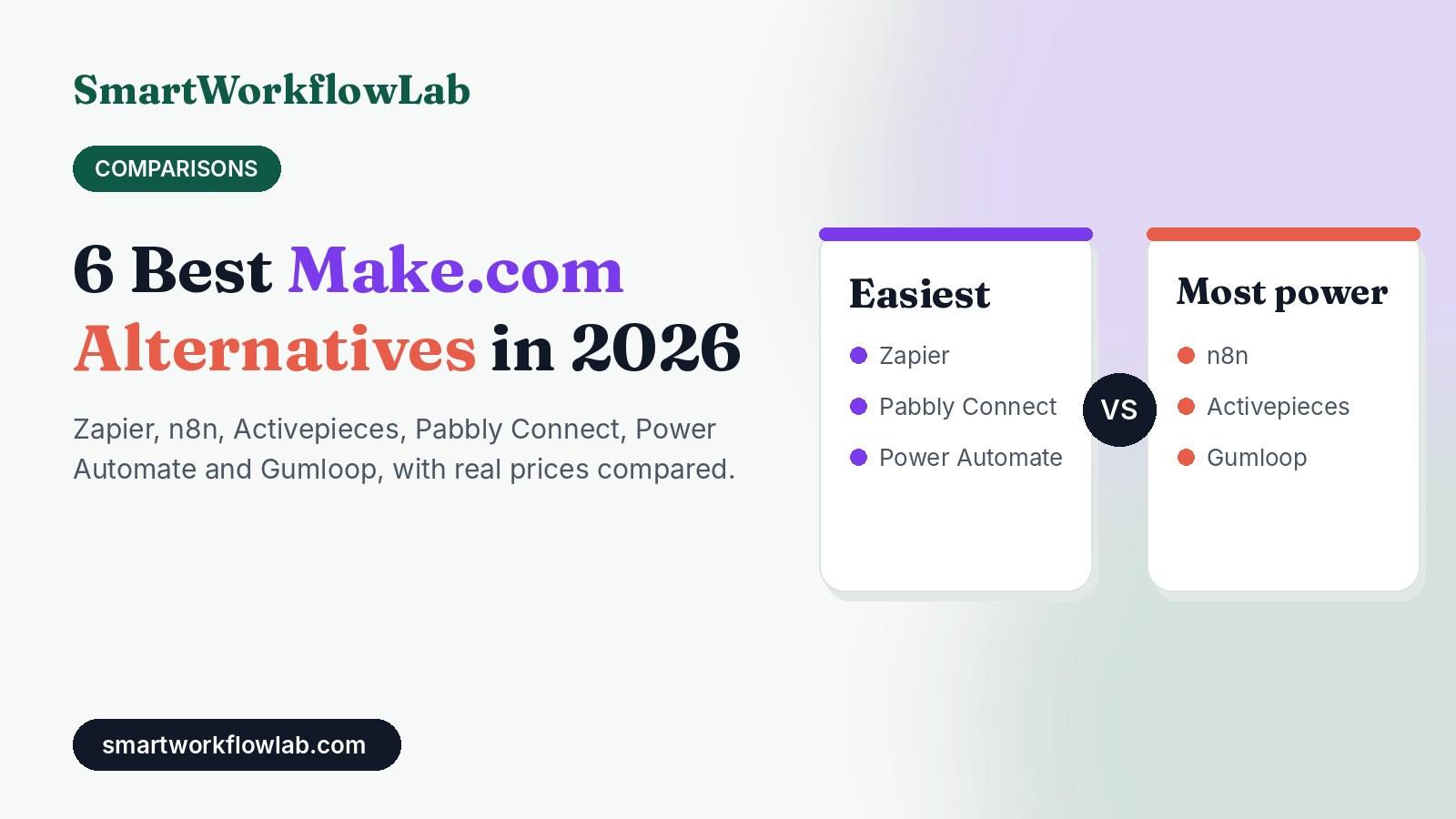
Quick picks
- Easiest: Zapier, for the simplest setup and the most app integrations.
- Most powerful: n8n, for self-hosting, code and AI agents.
- Cheapest cloud option for a few workflows: Activepieces, free for up to 10 active flows.
- Best for budget, predictable bills: Pabbly Connect, with yearly and lifetime plans.
- Best for Microsoft 365 companies: Power Automate.
- Best for AI-agent workflows: Gumloop.
How we evaluated
- Prices were checked against each vendor’s plan pages and recent independent pricing breakdowns in October 2026. Automation tools change pricing often, so confirm before you buy.
- Cost comparisons use one realistic workflow (an 8-step lead workflow) and show what it costs on each platform at different volumes.
- We judged each tool on setup difficulty, how it bills, integrations, AI features, and self-hosting.
- None of these companies sponsored this article.
Make.com Alternatives at a Glance
| Tool | Best for | How it bills | Free option | Paid from |
|---|---|---|---|---|
| Zapier | Beginners, most integrations | Per task (each action step) | 100 tasks/month, two-step Zaps | $19.99/month (billed yearly) |
| n8n | Technical teams, AI agents, high volume | Per workflow run | Free self-hosted Community Edition | $20/month (billed yearly) |
| Activepieces | Small teams with a few workflows, open source | Per active flow | Free up to 10 active flows; free self-hosted | $5 per extra active flow/month |
| Pabbly Connect | Tight budgets, predictable costs | Per task (each step) | 100 tasks/month | $15/month (billed yearly) |
| Power Automate | Companies on Microsoft 365 | Per user | Included with Microsoft 365 for standard connectors | $15 per user/month (Premium) |
| Gumloop | AI-agent and AI-heavy workflows | Per credit (AI, tools, compute) | 14-day trial | $37/month |
First, Know Why You’re Leaving Make
| Your reason | Best alternative |
|---|---|
| “Credits run out on my long scenarios” | n8n (per run) or Activepieces (per flow) |
| “I want my data on my own server” | n8n or Activepieces, self-hosted |
| “My team finds Make too complicated” | Zapier |
| “I need serious AI agents” | n8n or Gumloop |
| “We already pay for Microsoft 365” | Power Automate |
| “I want a fixed, low yearly bill” | Pabbly Connect |
1. Zapier: The Easiest Alternative
Zapier is the most popular automation tool, with the largest library of app integrations. Its editor is simpler than Make’s: you build a list of steps instead of a flowchart.
Pricing (2026): The free plan allows unlimited two-step Zaps (one trigger, one action) with 100 tasks a month. Paid plans start with Professional at $19.99 a month billed yearly ($29.99 monthly), and the price rises with the number of tasks you need.
How it bills: Every action step that runs counts as a task. The trigger is free.
Pros
- Easiest tool to learn on this list
- More ready-made app connections than any other option
- Good built-in AI features and AI-powered Zap building
Cons
- Usually more expensive than Make for the same volume
- Complex branching logic is harder than in Make
- No self-hosting
Choose Zapier if your team finds Make confusing and you value speed of setup over price. Don’t choose it to save money. Our Zapier vs Make comparison goes deeper.
2. n8n: The Most Powerful Alternative
n8n is an open-source automation platform that technical teams love. You can run it on your own server for free, write JavaScript or Python inside workflows, and build advanced AI agents with memory and tools.
Pricing (2026):
| Plan | Price | Includes |
|---|---|---|
| Community Edition | Free (self-hosted) | Unlimited workflows and runs |
| Starter (cloud) | $24/month or $20 billed yearly | 2,500 workflow runs |
| Pro (cloud) | $60/month or $50 billed yearly | 10,000 workflow runs |
| Business (self-hosted license) | $800/month billed yearly | 40,000 runs, SSO, Git, environments |
How it bills: One whole workflow run counts as one execution, however many steps it has. This is the key difference from Make, which charges for every step.
Pros
- Much cheaper than Make for long or frequent workflows
- Free self-hosting with full data control
- The strongest AI agent features of any tool here
Cons
- Steeper learning curve
- Fewer ready-made integrations (though any API works through HTTP requests)
- Self-hosting means you maintain a server
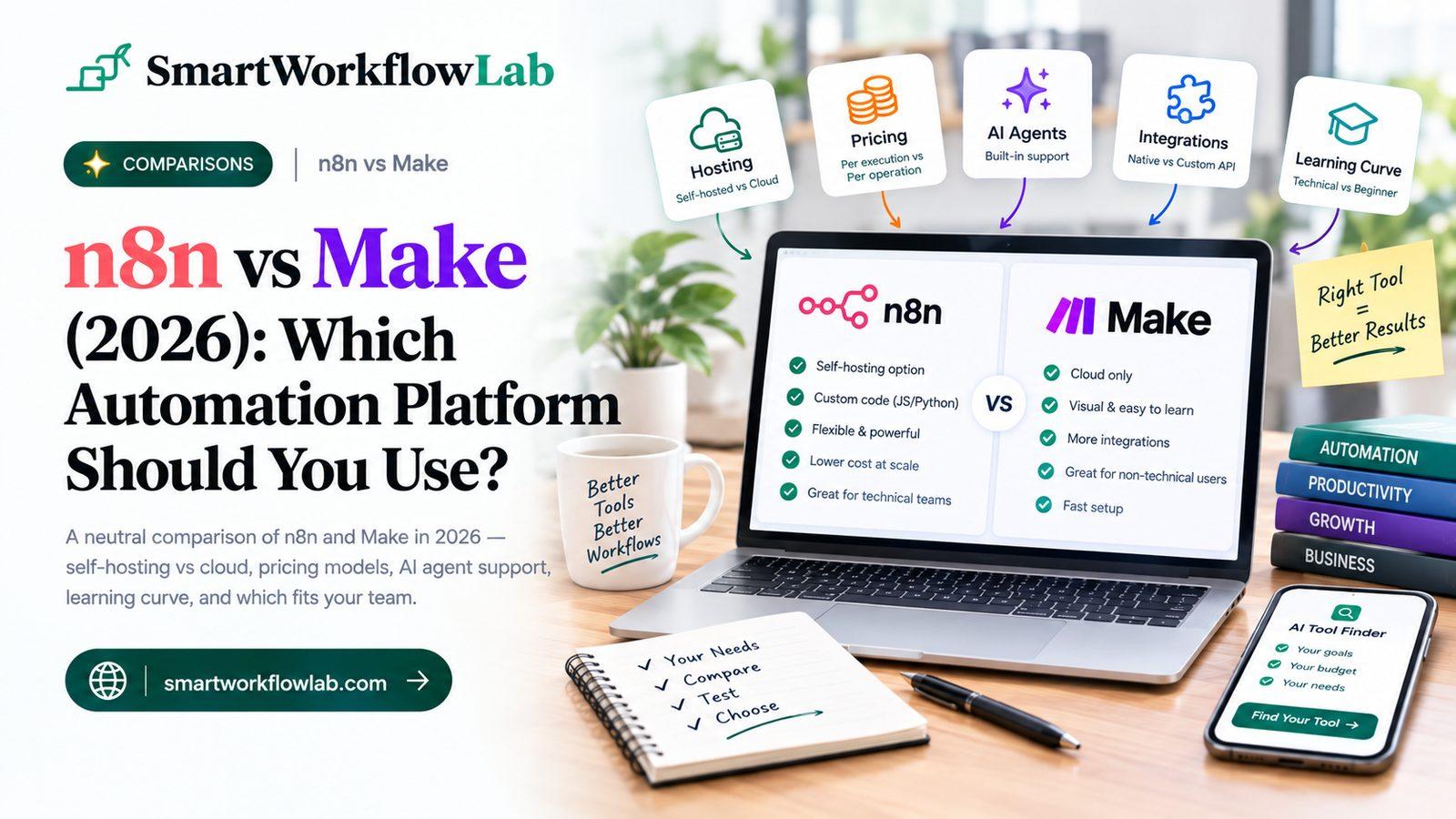
Choose n8n if cost at scale, data control or AI agents is why you’re leaving Make. Our n8n vs Make comparison has a full cost breakdown.
3. Activepieces: The Open-Source Option That’s Free for Small Teams
Activepieces is a newer, open-source tool with a clean, beginner-friendly builder that feels closer to Zapier than to n8n.
Pricing (2026): The cloud Standard plan is free for up to 10 active flows, with unlimited runs, then $5 a month for each additional active flow. The Community Edition is free to self-host under the MIT license. An Ultimate plan with SSO and governance is custom-priced.
How it bills: By active flow, not by runs or steps. A flow that runs 10,000 times costs the same as one that runs once.
Pros
- Free for up to 10 active flows, even on the cloud
- Unlimited runs, so high-frequency workflows are cheap
- Open source and easy to self-host
- AI agents and MCP support included
Cons
- Fewer integrations than Make or Zapier
- Many small flows can add up at $5 each
- Smaller community and fewer tutorials
Choose Activepieces if you have a handful of workflows that run often. It can bring your automation bill to $0.
4. Pabbly Connect: The Budget Pick
Pabbly Connect is a low-cost automation tool aimed at small businesses, best known for its yearly and one-time lifetime plans.
Pricing (2026):
| Plan | Tasks/month | Billed yearly | Billed monthly |
|---|---|---|---|
| Free | 100 | $0 | $0 |
| Standard | 12,000 | $15/month | $25/month |
| Pro | 24,000 | $25/month | $41/month |
| Ultimate | 50,000 | $42/month | $66/month |
Lifetime deals are also offered for a one-time payment, starting around $249 for the Standard tier.
How it bills: Each step that runs counts as a task, like Make. Steps in branches that don’t run aren’t counted.
Pros
- Low, predictable cost
- Lifetime option if you hate subscriptions
- Simple builder
Cons
- Fewer integrations and less polish than Make
- Billing per step, so long workflows still use many tasks
- Support and documentation are thinner than the big players
Choose Pabbly Connect if your workflows are fairly simple and you want the lowest fixed bill.
5. Microsoft Power Automate: For Microsoft 365 Companies
If your business runs on Outlook, Teams, SharePoint and Excel, Power Automate may already be in your subscription.
Pricing (2026): Cloud flows that use standard connectors (Outlook, Teams, SharePoint and similar) are included with Microsoft 365. Premium connectors such as Salesforce cost $15 per user a month with the Premium plan, which also includes desktop automation (RPA). Unattended bots cost more.
How it bills: Per user (or per bot for unattended automation), not per run.
Pros
- Often already paid for if you use Microsoft 365
- Deep integration with Microsoft apps and desktop automation
- Enterprise-grade security and admin
Cons
- Clunky for non-Microsoft apps
- Licensing is confusing
- Steeper learning curve than Make for simple tasks
Choose Power Automate if most of your workflows start and end in Microsoft apps.
6. Gumloop: For AI-Heavy Workflows
Gumloop is built for workflows where AI does most of the work: scraping and summarising websites, enriching leads, classifying documents, or running AI agents.
Pricing (2026): No free plan, only a 14-day Pro trial. Pro starts at $37 a month with 20,000 credits.
How it bills: Credits pay for AI model usage, tool calls and compute time, plus an 8% orchestration fee. Costs depend heavily on how much AI each run uses.
Pros
- Excellent for AI-first workflows and agents
- Clean, modern builder with good templates
Cons
- Harder to predict monthly cost
- More expensive than Make for simple app-to-app automations
- No free plan
Choose Gumloop if your workflows are mostly AI tasks rather than moving data between apps. For background, see our AI agents for business guide.
What the Same Workflow Costs on Each Tool
To make the comparison fair, here’s one realistic workflow: a new lead comes in from a form, gets enriched, scored by AI, added to a CRM, and announced in Slack. That’s about 8 steps.
| Monthly runs | Make | Zapier | n8n (cloud) | Activepieces (cloud) | Pabbly Connect |
|---|---|---|---|---|---|
| 300 | Core, about $9–$12 (2,400 credits) | Professional, priced by task tier (2,100 tasks) | Starter, $20–$24 | Free (1 active flow) | Standard, $15–$25 |
| 1,000 | Core, about $9–$12 (8,000 credits) | Professional, priced by task tier (7,000 tasks) | Starter, $20–$24 | Free | Standard, $15–$25 |
| 5,000 | A larger credit pack (40,000 credits) | A high task tier (35,000 tasks) | Pro, $50–$60 | Free | Ultimate, $42–$66 |
Self-hosted n8n or Activepieces would run every row for the cost of a small server, roughly $5–$20 a month for this kind of workload, plus your time to maintain it. AI model costs come on top for every tool; our AI cost calculator helps you estimate that part.
The pattern: Make and Pabbly charge per step, Zapier per action, n8n per run, and Activepieces per active flow. The longer and more frequent your workflow, the more a per-run or per-flow tool saves you.
How to Switch from Make Without Breaking Anything
- List every scenario with its trigger, apps, and monthly credit use. Make’s usage page shows which scenarios cost the most.
- Move the most expensive scenario first. That is where you will see the savings.
- Rebuild, don’t copy. There’s no import between tools. Use the switch to remove steps you no longer need.
- Run both versions side by side for a week and compare results.
- Reconnect apps with fresh logins in the new tool rather than reusing old keys.
- Turn off the Make scenario only when the new one has run cleanly for a full week.
- Check your bill after a month. Use our automation ROI calculator to confirm the move paid off.
Should You Leave Make at All?
Sometimes the cheapest fix is staying put. Before you switch, try these:
- Reduce steps: combine filters and formatters, and use one HTTP module instead of several app modules where possible.
- Run less often: a scheduled scenario that checks for new data every minute spends up to 15 times more credits on those checks than one that runs every 15 minutes.
- Use webhooks instead of polling so scenarios only run when something actually happens.
If those changes don’t bring your bill down, it’s time to move. For more ways to keep automation costs low, see our AI workflow automation pricing guide and our list of free AI automation tools for solopreneurs.
Final Verdict
There’s no single best Make.com alternative, only the best one for your reason to leave:
- Too complicated? Go to Zapier.
- Too expensive at scale, or need control? Go to n8n.
- Just a few workflows? Try Activepieces for free.
- Want the smallest fixed bill? Pick Pabbly Connect.
- Living in Microsoft 365? Use Power Automate.
- Building AI-first workflows? Look at Gumloop.
Start with the free plan or trial of your top choice, rebuild your most expensive scenario, and compare a month of real costs before you commit.