

How to Automate Social Media Posting
The goal
Publish social posts automatically from a simple spreadsheet or content queue.
Staying consistent on social media is mostly a scheduling problem, not a creativity problem. Posting manually every day is easy to forget when you’re busy, and gaps hurt your reach. Automating the publishing step lets you write in batches and keep a steady presence without logging in every day.
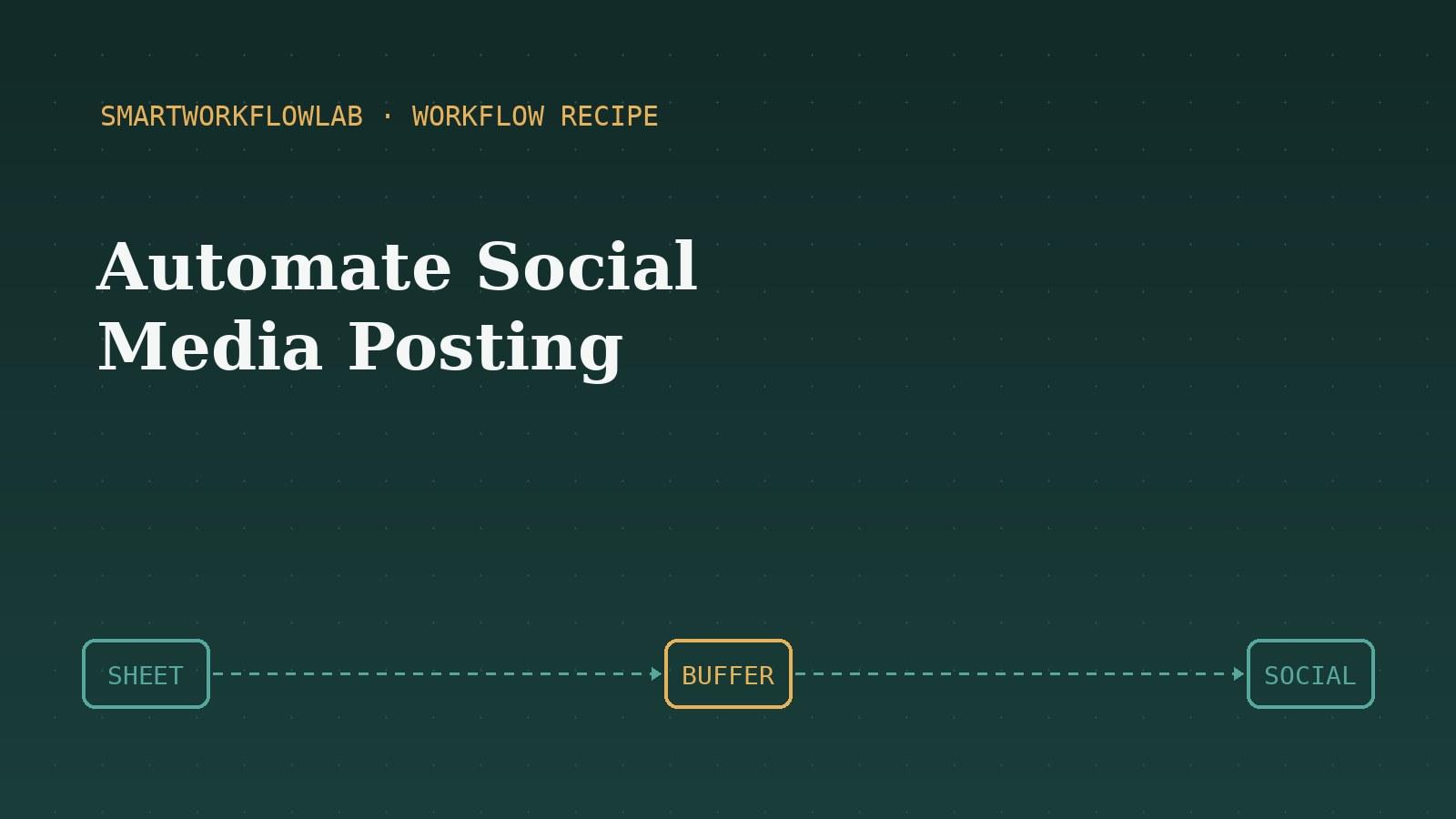
This recipe turns a simple spreadsheet into an automated posting queue. You write posts in advance, and the automation feeds them into a scheduling tool that publishes them at the right time — through the platforms’ official, approved methods.
What you’ll need
You’ll need a Google Sheet, a social scheduling tool like Buffer that connects to your accounts, and a free automation tool. The setup is beginner-friendly and takes about twenty minutes.
To speed up the writing side, our social media post generator prompt helps you draft platform-ready posts fast, and the marketing prompts library has more to help fill your content queue.
Step-by-step guide
Build a content spreadsheet
Create a simple Google Sheet with columns for the post text, image URL, platform, and scheduled date. This becomes your content queue — a single place to plan and write posts in advance.
Choose a scheduling tool
Pick a social scheduling tool like Buffer, Hootsuite, or Publer that connects to your social accounts. These handle the actual publishing and respect each platform's posting rules.
Connect your sheet and scheduler
In Zapier or Make, connect both your Google Sheet and your scheduling tool. This lets new rows in your sheet flow automatically into your posting queue.
Set a new row as the trigger
Create a workflow triggered by "New Spreadsheet Row". Whenever you add a post to your sheet, the automation picks it up and prepares it for publishing.
Send the post to your scheduler
Add an action to add the post to your scheduling tool's queue, mapping the text, image, platform, and date from your sheet. The scheduler then publishes it at the right time.
Batch your content
The real time-saving comes from batching — sit down once a week or month and fill in many rows at once. The automation then drips them out on schedule, giving you a consistent presence without daily effort.
Test and monitor
Add a test post scheduled a few minutes out and confirm it publishes correctly. Once working, keep an eye on the first few real posts, then let it run.
Frequently asked questions
Is it against the rules to automate social media posts?
No, scheduling posts through official tools like Buffer or Hootsuite is fully allowed — these tools use the platforms' approved APIs. What platforms discourage is spammy, aggressive automation like mass following or fake engagement, which is different from simply scheduling your own content.
Can I automate posting to multiple platforms at once?
Yes. Most scheduling tools let you publish the same or tailored content to several platforms from one queue. It's usually best to tailor the wording per platform, since the ideal length and tone differ between, say, LinkedIn and X.
Do I still need to write the posts myself?
Yes — automation handles the scheduling and publishing, not the writing. You still create the content, but doing it in batches and letting the automation publish on schedule saves significant time and keeps your posting consistent. AI writing tools can help speed up the drafting.
More workflow recipes
Last updated July 12, 2026