

Somewhere in the last year, “llms.txt” started showing up in SEO forums and AI newsletters, framed as the new frontier of getting your site read by AI. Some sites have already added one. Plenty of tools now offer to auto-generate one for you with a single click. And a fair number of site owners have quietly wondered whether they’re missing out on something important — or whether this is just the next bit of SEO folklore that sounds more official than it is.
The honest answer sits in between. llms.txt is real, it’s simple, and it does have a genuine use today — just not the one most of the hype implies. Understanding exactly what it does, what it doesn’t, and where it actually matters will save you from either ignoring something genuinely useful or overinvesting in something unproven.
The Short Answer
llms.txt is a plain text file, written in Markdown, that you place at the root of your website to give AI systems a curated summary of your site and links to your most important pages. It’s meant to help a language model understand your content faster than parsing raw HTML.
The honest 2026 status: no major AI provider — not OpenAI, not Google, not Anthropic — has publicly confirmed it uses llms.txt to decide what to cite or how to answer. Google has explicitly said it isn’t needed for its AI Overviews or AI Mode. Where it does show real, practical use is narrower than the hype suggests: AI coding agents and assistants increasingly read llms.txt files on developer documentation sites to understand a codebase or API quickly.
So: worth a few minutes to add, not worth restructuring your SEO strategy around.
What llms.txt Actually Is
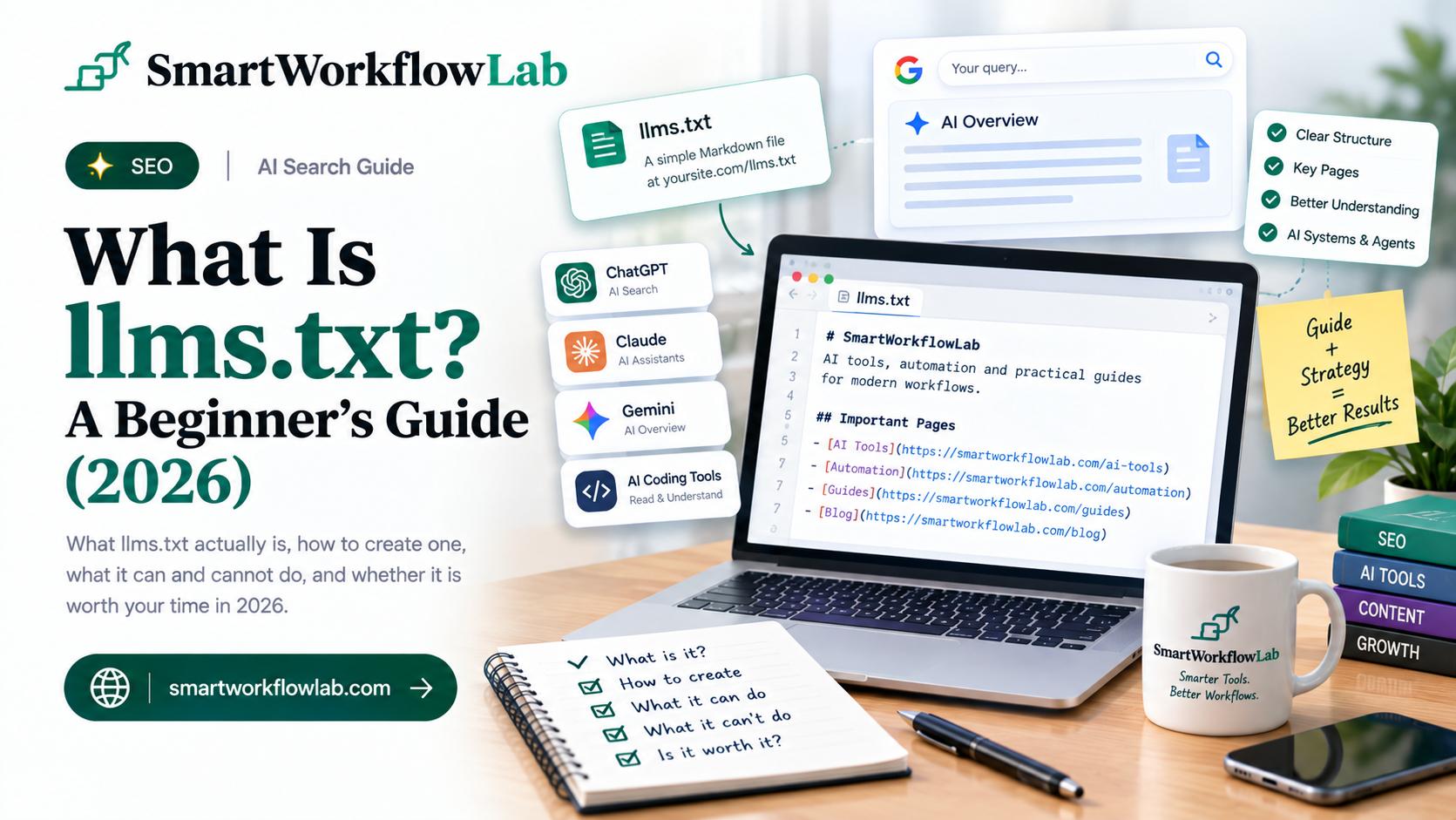
llms.txt is a Markdown file that lives at a predictable location — yourdomain.com/llms.txt. It typically starts with your site or product name as a heading, a one-line summary of what the site does, and then a curated list of links to your most important pages, each with a short note explaining what’s there.
The idea behind it is straightforward: instead of forcing an AI system to crawl and parse dozens or hundreds of HTML pages to figure out what your site covers, you hand it a short, human-written map directly. Think of it less as a technical protocol and more as a curated table of contents, written specifically for a machine reader instead of a human one.
What It Is Not
This is where most of the confusion comes from, because llms.txt sits near two files people already know — and it does neither of their jobs.
It is not robots.txt. robots.txt is a permission file — it tells crawlers what they’re allowed or not allowed to access. llms.txt controls nothing. It can’t block a crawler, restrict access, or prevent any AI system from reading your site. The two files coexist; one doesn’t replace the other.
It is not a sitemap. A sitemap aims for complete coverage — every indexable URL on your site, for search engine indexing. llms.txt aims for the opposite: a small, deliberately curated shortlist of only your best content. Coverage versus curation is the entire distinction.
llms.txt is best understood as a comprehension aid, not an access-control or indexing tool. It sits alongside robots.txt and your sitemap, doing a different job from both.
Does It Actually Work? The Honest 2026 Status
This is the part worth being clear-eyed about. As of 2026, no major AI company has publicly confirmed that its production systems read llms.txt to decide what to cite, how to rank a source, or how to answer a query. Google has been the most direct about this, stating plainly that llms.txt isn’t needed for its AI Overviews or AI Mode features. Some AI crawlers do occasionally fetch the file, but a crawler requesting a file isn’t the same thing as confirmation that it meaningfully influences output.
There’s a real nuance worth knowing, though: llms.txt does show genuine, practical traction in one specific area — AI coding tools. Assistants and agents built for developers, the kind that help write and understand code, increasingly use llms.txt files published by software documentation and API sites to quickly orient themselves in a codebase or library, rather than crawling every page. If you run developer-facing documentation, this is a real, usable case today, separate from the more speculative claims about general AI search visibility.
The pattern across nearly every credible source on this topic in 2026 is the same: llms.txt is a plausible, low-cost bet with visible community interest, not a confirmed ranking factor. Adding one is unlikely to hurt you. It’s also unlikely to be the thing that meaningfully changes your AI visibility on its own.
Where llms.txt Fits in Your Priorities
If you’re deciding where to spend limited time on AI-search readiness, it helps to know where llms.txt sits relative to things that clearly do matter. Roughly, in order of impact:
- Domain authority and trust signals — whether AI systems consider your domain a credible source at all.
- Well-structured, direct-answer content — pages that state their answer clearly and are easy to extract from, which is what actually gets cited in AI-generated answers.
- Schema markup — machine-readable structured data that clarifies what your content is and means.
- Clear, specific page titles and meta descriptions — helping any system quickly classify a page.
- llms.txt — a small, final layer of polish, not a substitute for anything above it.
If your content is thin, poorly structured, or hard to extract a clean answer from, an llms.txt file won’t fix that. Fix the fundamentals first; add llms.txt as the last five minutes of the job, not the first.
How to Create an llms.txt File
If you decide the low cost is worth it, here’s the practical version.
- Create a plain text file named
llms.txt. Write it in Markdown — no special software required, a basic text editor is enough. - Start with your site or product name as a heading, followed by a one-line summary of what the site or business does.
- List your most important pages as Markdown links, each with a short note describing what’s there — your core documentation, key product pages, or pillar content, not every page on the site.
- Keep it small and honest. This isn’t the place for a full sitemap dump. A tight, curated file that genuinely reflects your best content is more useful than a bloated one.
- Upload it to your site’s root directory so it’s reachable at yourdomain.com/llms.txt, publicly accessible with no login wall or redirect.
- Test that it actually loads. Fetch the URL directly (a plain request with no authentication) from a browser or command line to confirm it returns the file as expected.
Mistakes to Avoid
Creating a separate Markdown copy of every page on your site. A popular but risky pattern involves generating a full Markdown mirror of your content (sometimes called llms-full.txt). If those files are indexable, they can create duplicate content at scale, which dilutes crawl budget and can hurt the rankings of your original pages — quietly undermining the SEO signals that AI systems still lean on to judge credibility.
Gating the file behind login or geography restrictions. llms.txt needs to be freely and consistently accessible, the same way robots.txt is.
Treating it as a priority over content quality. Spending real time and budget optimizing llms.txt before fixing thin content, weak structure, or poor site architecture gets the priorities backwards.
Expecting it to control crawler access. It can’t block anything. If access control is what you need, that’s robots.txt’s job.
Should You Bother?
For most sites: yes, but only after the fundamentals, and only because it’s genuinely quick. It costs a few minutes, carries essentially no downside if done correctly, and forces you to think clearly about what your best content actually is. That clarity is useful on its own, independent of whether any AI system ever reads the file.
For developer-facing documentation sites specifically, it’s a more clearly worthwhile addition today, given the real adoption by AI coding tools.
What it isn’t is a shortcut around the things that demonstrably do move AI visibility — domain authority, clear and well-structured content, and technical fundamentals. Add llms.txt as the small, sensible extra it is. Don’t mistake it for the strategy.
How SmartWorkflowLab Helps
We track emerging AI-search practices like this one honestly, which means separating genuine early signal from hype dressed up as a new best practice. On llms.txt specifically, the useful answer isn’t a hot take about the future — it’s a clear read on what’s actually confirmed today versus what’s still speculative.
If you’re trying to prioritize your AI-search readiness and want help figuring out what’s actually worth your time versus what can wait, that’s exactly the kind of practical, no-hype question we’re glad to help with.
Frequently Asked Questions
1. What is llms.txt?
It is a plain Markdown file placed at the root of a website, at yoursite.com/llms.txt, that gives a curated, human-written summary of the site and links to its most important pages. It is meant to help AI systems and agents understand a site’s content without having to parse full HTML pages.
2. Does llms.txt actually improve AI search visibility?
This is unconfirmed as of 2026. No major AI provider, including OpenAI, Google, or Anthropic, has publicly confirmed that it uses llms.txt to decide what to cite or how to answer. Google has explicitly said it is not needed for its AI Overviews or AI Mode features. Treat it as a low-cost, unproven bet rather than a guaranteed ranking lever.
3. Is llms.txt the same as robots.txt?
No. robots.txt controls which pages crawlers are allowed to access — it is about permission. llms.txt is a curated guide to your best content for a machine reader — it is about comprehension. They do different jobs and neither replaces the other.
4. Does llms.txt replace a sitemap?
No. A sitemap lists every URL on a site for search indexing purposes. llms.txt is a short, selective, human-curated summary of only your most important content, written to be cheap and fast for a language model to read. Coverage versus curation is the key difference.
5. Is llms.txt an official web standard?
No, it is a proposed community convention, not an official standard adopted by any major search engine or AI provider. It has visible interest among documentation platforms and SEO practitioners, but public guidance from the major AI companies still centers on existing infrastructure like robots.txt and structured data.
6. How do I create an llms.txt file?
Write a plain Markdown file with your site name as a heading, a one-line summary of what the site does, and then a short list of your most important pages as Markdown links with a brief note on each. Keep it small, honest, and focused only on your best content, then upload it to your site’s root directory.
7. Does llms.txt help with AI coding tools?
This is where it shows the clearest practical use today. AI coding agents and assistants — including tools like Cursor, Claude Code, GitHub Copilot, and similar tools — increasingly use llms.txt files from software documentation sites as a fast way to understand a library or API without crawling every page.
8. Should I bother creating an llms.txt file in 2026?
It is a reasonable low-cost addition, not a priority. It takes a few minutes to create and carries no real downside. But domain authority, well-structured content, and schema markup all move the needle more for AI visibility today. Treat llms.txt as hygiene you can add after the fundamentals, not a substitute for them.
Final Thoughts
llms.txt is a small, sensible habit dressed up by some corners of the internet as a major AI-SEO breakthrough. The honest 2026 picture is quieter than that: it’s cheap to add, it forces useful clarity about your best content, and it has a real, if narrow, use for developer documentation and AI coding tools. What it isn’t, at least not yet, is a confirmed lever for AI search visibility.
Add it if you have five spare minutes — there’s no real downside. But if you’re choosing where to invest real time this quarter, put it into content structure, domain trust, and schema markup first. Those are the things AI systems demonstrably reward. llms.txt is the polish you add after, not the strategy itself.
Sorting hype from signal in AI search? SmartWorkflowLab tracks what’s actually confirmed versus speculative and shares it straight, without chasing every new acronym. Explore our other guides, or get in touch if you want help prioritizing your AI-search readiness.