

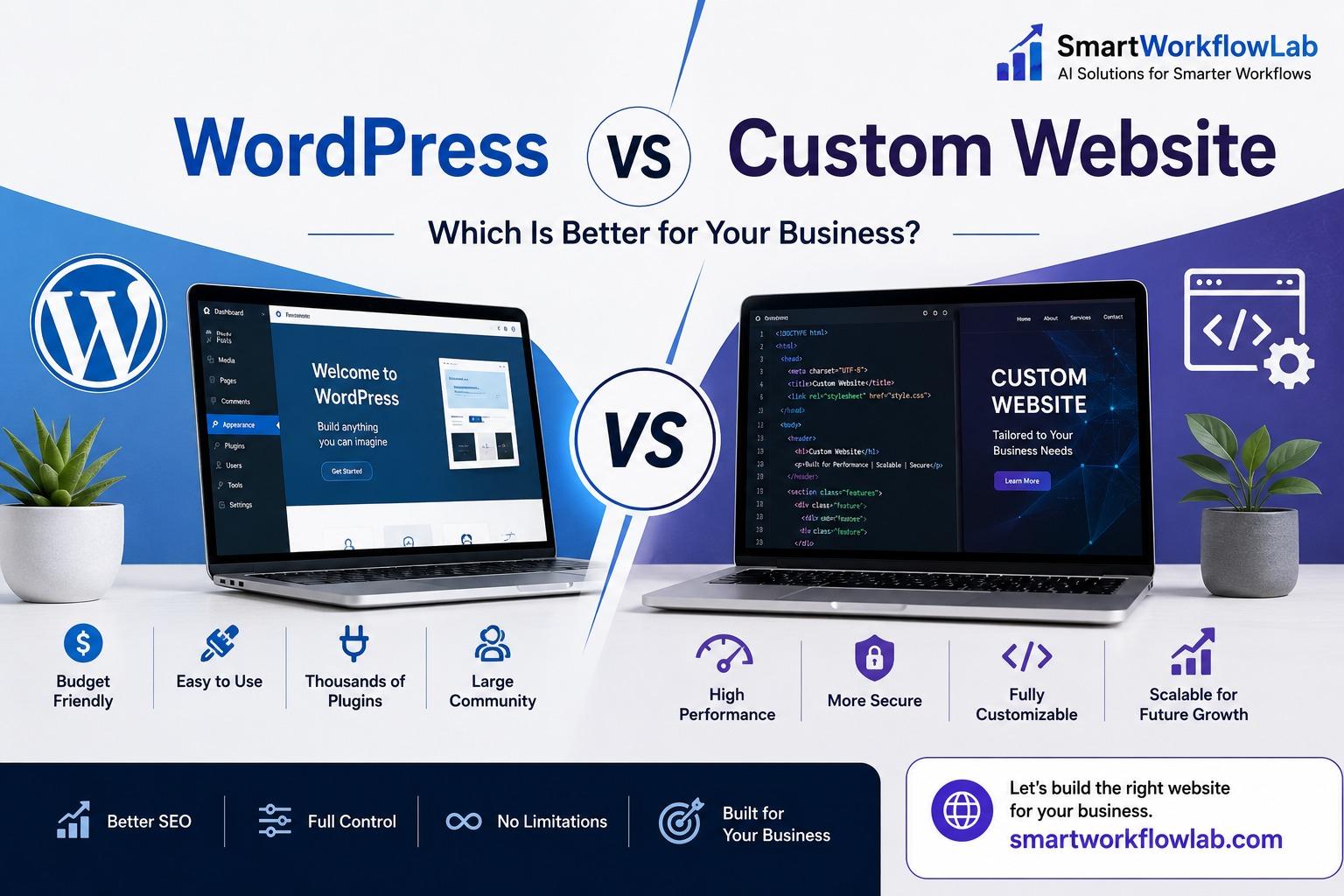
This decision shapes your budget, your site’s speed, and how easily you can change things for the next three to five years. And almost every guide you’ll find to help you make it was written by an agency that sells one of the answers.
That’s the problem this article tries to fix. You’ll get the real case for each option, the specific situations where each genuinely wins, and — this is the part the rest of the internet skips — the honest way to decide based on your business rather than on what someone wants to build for you. No pretending one option is universally better, because it isn’t.
This guide is written for business owners, startup founders, SaaS and e-commerce teams, and IT and operations managers who need a straight answer. Two things to get straight before we start. First, “WordPress vs custom” is a false choice — you actually have about five real options in 2026, and most people never hear about the one that fits them best. Second, the number that should drive this decision isn’t the build price everyone fixates on. It’s the total cost over three years, and it often points the opposite way from what the sticker suggests.
Why Almost Every “WordPress vs Custom” Guide Is Secretly a Sales Pitch
Here’s a pattern worth noticing. Agencies that build custom sites will tell you WordPress is bloated, insecure, and amateur. Agencies that sell WordPress will tell you custom is overkill, overpriced, and slow to build. Both are right sometimes. Both are self-serving always.
The reason this matters: when the person explaining the tradeoffs profits from your conclusion, the “comparison” quietly bends toward their service. You’ve probably felt it — the article that lists ten balanced points and then, somehow, always lands on the thing that agency happens to sell.
So here’s how to read this piece. I’ll give you the genuine strengths of each path, the situations where each is the right call, and where each one bites you. Any sales ask is at the very end, clearly labeled, and you can ignore it entirely and still walk away with your answer. That’s the deal. Now the actual decision.
The False Binary: Your Five Real Options in 2026
The keyword says “WordPress vs custom,” but framing it as two doors is why so many businesses pick wrong. Here’s the real landscape.
WordPress (self-hosted, aka WordPress.org). You install the open-source software on your own hosting, pick a theme, add plugins for features, and edit through a familiar dashboard. This is what professionals mean by “WordPress,” and it’s genuinely powerful. (Not to be confused with WordPress.com, the hosted service that sits closer to Wix.) Best for content-driven sites where non-technical people publish often.
Fully custom (Next.js, React, and similar). Built line by line, no theme, no page builder — every bit of code exists because your site needs it. Best when the website is the product, or when performance and unique functionality are competitive advantages.
Headless WordPress. The best-of-both middle almost nobody explains properly: WordPress runs on the back end as the content editor your marketing team already knows, while a custom front end (React/Next.js) delivers a fast, bespoke experience to visitors. You get WordPress’s editing workflow and custom-level speed and design. Costs more than vanilla WordPress, less than fully custom.
Site builders (Webflow, Wix, Squarespace). Visual, hosted, no code. Fast and cheap to launch, with the tradeoff of platform lock-in and ceilings you eventually hit. Fine for simple brochure sites and early-stage validation.
Shopify or dedicated e-commerce. If you’re primarily selling products, a purpose-built commerce platform often beats bending a general website to do the job. Worth its own evaluation against WooCommerce and custom.
Notice something in the data: according to W3Techs, WordPress powers around 42% of all websites in 2026 — still the giant by a wide margin — but its share has actually dipped slightly, and the category gaining ground is “no CMS,” meaning custom-built and static sites. The web isn’t abandoning WordPress; it’s just no longer automatic that a site needs a CMS at all. Which is exactly why this decision deserves real thought instead of a default.
WordPress vs Custom, Head to Head
Here’s the honest comparison across the dimensions businesses actually weigh.
| Factor | WordPress (self-hosted) | Fully Custom |
|---|---|---|
| Upfront cost | Lower — theme + plugins + setup | Higher — built from scratch |
| Time to launch | Days to weeks | Months |
| Performance | Good with discipline; drags with plugin bloat | Excellent — only the code you need |
| Security | Core is solid; plugins are the risk | Small attack surface, no plugin exposure |
| Scalability | Fine for most; needs care at extreme scale | Scales however you architect it |
| Design flexibility | Wide, but within theme/builder limits | Unlimited |
| Content editing | Excellent — built for non-technical editors | Needs a CMS layer added deliberately |
| Maintenance | Ongoing updates to core, themes, plugins | Lower routine upkeep, but dev-dependent |
| Ownership | You own content; plugin/host dependencies | You own the code outright (if contracted right) |
The table tells a consistent story: WordPress trades a little performance and a lot of ongoing maintenance for speed-to-launch and easy editing, while custom trades upfront cost and time for control, speed, and a smaller attack surface. Neither is “better.” The right pick depends on which columns matter to your revenue — and on the number in the next section, which most comparisons never make concrete.
The Number That Actually Decides It: 3-Year Total Cost of Ownership
Everyone compares the build price. The build price is the smaller half of the bill.
What actually matters is total cost of ownership over three to five years, and it has a lot more moving parts than “what does it cost to make.” Here’s what really goes into it:
- Build — the one-time cost everyone quotes.
- Hosting — cheap shared hosting for basic WordPress; more for managed WordPress or custom deployment (though modern custom sites on platforms like Vercel or Netlify can be remarkably cheap to host).
- Licenses — premium themes and plugins on WordPress carry annual renewal fees that quietly stack up; custom has none.
- Maintenance — WordPress needs regular updates to core, themes, and plugins (more on why below); custom needs less routine upkeep but has its own dependency costs.
- The cost of changes — on WordPress, a marketer can often edit content themselves; on custom, some changes need a developer. This cuts for WordPress for content-heavy teams and against it for stable brochure sites.
- Migration — the eventual “we outgrew this” rebuild, which is expensive on either path and worth avoiding by choosing right the first time.
Here’s the pattern that holds across most honest analyses: WordPress usually wins year one; custom often wins by year three — but only for the right use case. A high-traffic product site where speed drives revenue will frequently come out cheaper on custom over three years once you count plugin licenses, maintenance hours, and performance-related losses. A simple five-page brochure site built custom is just overpaying for control you’ll never use. The trap is comparing only the upfront quote and missing the three-year picture entirely. Figures vary widely by market and scope — the point isn’t a universal number, it’s to run this math for your own case before you decide.
The Worst-of-Both-Worlds Trap: Custom WordPress With 40 Plugins
There’s a failure mode that catches more businesses than either “pure” option, and almost no one warns you about it.
It goes like this. You start with a clean WordPress theme. Then you need a booking feature, so you add a plugin. Then a form builder, a slider, an SEO plugin, a caching plugin, a security plugin, a social feed, a popup tool. Two years later your “WordPress site” is running thirty-plus plugins, loads in five seconds, breaks whenever two plugins conflict after an update, and costs a fortune in maintenance and licenses. You’ve accidentally built something that’s slow, fragile, and expensive — the worst of both worlds.
This is worse than committing cleanly to either path. The fix is discipline: if you go WordPress, keep the theme clean and the plugin count low, and resist solving every feature request with another plugin. If you need so much custom functionality that you’re reaching for plugins constantly, that’s your signal that you’ve outgrown vanilla WordPress and should consider headless or custom. Pick WordPress with restraint or custom with commitment — just don’t drift into the bloated middle by accident.
Who Owns This Thing? Lock-In, Abandonment, and the Bus Factor
Past launch lurks a question most comparisons ignore: what happens when something you depend on disappears? It cuts both ways, and honesty means saying so.
On WordPress, the risk is abandonment and breakage. Plugins get abandoned by their developers, stop receiving updates, and become security liabilities or simply break on the next core update. You’re depending on dozens of independent developers you’ll never meet to keep maintaining their code. When one stops, you scramble for a replacement or pay someone to untangle it.
On custom, the risk is the bus factor. If your developer or agency built something clever, undocumented, and then vanished — or you part ways — can anyone else pick it up? A custom site is only as safe as its documentation and your access to the code.
The protections are the same principle on both sides: own your assets. For custom, insist on owning the code repository (your own GitHub), clear documentation, and portable hosting, so any competent developer can take over — no lock-in to one studio. For WordPress, favor well-maintained plugins from active developers, keep the count low, and make sure you control your hosting and domain. Whichever path you choose, the question to ask before signing anything is: “If you disappeared tomorrow, could someone else run this?”
The 2026 Wildcard: Will AI Search Even See Your Site?
Here’s a consideration that didn’t exist a couple of years ago and now belongs in this decision. People increasingly find businesses by asking ChatGPT, Perplexity, or Google’s AI Overviews — not just by scrolling Google’s blue links. And those AI engines mostly read the raw HTML your server sends, not the version a browser assembles after running JavaScript.
That matters because a site that leans heavily on client-side JavaScript to render its content can end up partially or entirely invisible to AI crawlers — they see a near-empty page. This isn’t a WordPress-vs-custom verdict, though. It’s an architecture question that cuts across both. A well-built WordPress site serves proper HTML and does fine. A custom site built with server-side rendering (SSR) or as a static site does fine. But a poorly architected, JavaScript-heavy build of either kind can quietly lock you out of AI answers.
The takeaway: whichever path you pick, make sure your content is present in the server-rendered HTML. Ask your developer directly how the site handles rendering for crawlers. In 2026, being invisible to AI search is a real cost, and it’s determined by how the site is built, not by the logo on the platform.
A Decision Framework: Score Your Own Situation
Forget “WordPress if… / custom if…” generic lists. Run your actual situation through these questions, and the answer usually becomes obvious.
- Who edits your content, and how often? Non-technical people publishing weekly → WordPress’s editing workflow is hard to beat. Rare changes handled by whoever built it → custom is fine.
- Is the website the product, or a brochure for it? If your site is the business (a SaaS app, a marketplace, a booking platform), custom or headless. If it markets a business that lives elsewhere, WordPress usually suffices.
- What needs to integrate? Heavy CRM, payments, internal tools, multi-language, custom workflows → custom or headless. Standard forms and analytics → WordPress handles it.
- How directly does speed affect revenue? If milliseconds move conversions (e-commerce, high-traffic), custom’s performance edge pays for itself. If not, don’t pay for it.
- What’s your real budget — including years two and three? Not just the build. Factor maintenance, licenses, and changes.
- Do you have technical capacity? In-house dev talent makes custom more sustainable; no technical staff makes WordPress’s ecosystem of available help valuable.
Now route yourself:
Content-heavy or marketing site → WordPress. This is its home turf.
SaaS product needing a shared design system across marketing site, app, and backend → custom, or headless if your marketing team needs to publish independently.
E-commerce → depends on scale. Small-to-mid catalog with standard needs → WooCommerce or Shopify. Large, complex, or performance-critical store → custom or headless commerce.
Early-stage startup before product-market fit → launch fast and cheap; a WordPress site or even a builder gets you live without over-investing in something you’ll rethink in six months.
Enterprise, high traffic, or complex integrations → custom or headless, where control and performance justify the investment.
How [Your Company] Helps
[Your Company] helps businesses make this exact call without the usual sales bias — mapping your content workflow, integration needs, and real 3-year cost against the five options, then recommending the fit even when it isn’t the most expensive build. That ranges from a disciplined WordPress site to a headless setup or a fully custom platform, with code ownership and documentation built in from day one.
For teams who want to go deeper on one piece of the decision, this pairs naturally with our guides on website development cost and headless WordPress — so you invest in the right foundation rather than the trendiest one.
Frequently Asked Questions
1. Is WordPress good enough for a serious business?
Yes. WordPress powers around 42% of the web, including plenty of large companies and high-traffic sites — W3Techs puts it on roughly half of the top one million sites. Built with a clean theme, minimal plugins, and proper maintenance, it’s a serious platform. “Serious” depends far more on how it’s built than on the platform name.
2. Is a custom website worth the cost?
It’s worth it when the website is central to your business — a product, a performance-critical store, or a site needing unique functionality plugins can’t cleanly provide. For a standard brochure or content site, custom is usually overpaying for flexibility you won’t use. Let your 3-year cost and feature needs decide.
3. Can I start on WordPress and move to custom later?
Yes, but migration is genuinely complex and expensive — content transfers, but design, features, and integrations get rebuilt from scratch. It’s often cheaper to choose the right path from the start, or to use headless WordPress as a middle step that keeps your content layer while upgrading the front end.
4. What is headless WordPress, and who is it for?
Headless WordPress uses WordPress purely as the back-end content editor while a custom front end (usually React or Next.js) delivers the actual site. You keep the familiar editing experience and gain custom-level speed and design. It’s for teams that need both non-technical publishing and high performance, and can spend more than a vanilla build.
5. Is WordPress or custom better for SEO?
Both can rank well; execution matters more than platform. WordPress offers easy SEO tools out of the box via plugins. Custom allows perfect technical SEO with no plugin bloat and ideal Core Web Vitals. The bigger 2026 question is whether your site is server-rendered so AI search engines can read it — an architecture issue on either platform.
6. Is WordPress secure enough for business?
Yes, with maintenance. WordPress core is very secure — Patchstack found only a handful of core vulnerabilities in 2025 versus thousands in plugins. The risk lives almost entirely in third-party plugins and themes, so security comes down to using few, well-maintained plugins, updating promptly, and proper hosting. Custom has a smaller attack surface but isn’t automatically safe either.
7. How much does a custom website cost vs WordPress?
WordPress is cheaper upfront and often for simple sites overall. Custom costs meaningfully more to build but can be cheaper over three years for the right use case once plugin licenses, maintenance, and performance are counted. Exact figures vary widely by market and scope — run the 3-year total cost for your specific project rather than trusting a headline range.
8. What’s the worst mistake people make with this decision?
Drifting into a “custom” WordPress build weighed down by 30+ plugins — slow, fragile, and expensive all at once. It happens by adding a plugin per feature over years. Pick WordPress with discipline or custom with commitment, and don’t split the difference by accident.
Final Thoughts
The right choice isn’t the trendy one, and it isn’t whatever the last agency you spoke to happens to sell. It’s the one your content workflow, your integration needs, and your real 3-year cost point toward. For most content and marketing sites, that’s a disciplined WordPress build. For sites that are the business — where speed, scale, or unique functionality drive revenue — that’s custom or headless. And for a lot of teams, the headless middle they’d never heard of turns out to be the answer.
Before you commit, do two things: run the actual three-year cost for your case, not just the build quote, and ask whoever you hire the “if you disappeared tomorrow, could someone else run this?” question. Costs and best practices in this space change quickly, so treat any figures as starting points and confirm current specifics for your own project.
Want a straight answer for your specific case? [Your Company] builds WordPress, headless, and fully custom sites — and will tell you honestly which one fits your budget and goals, even if it’s the smaller project. Start with our website development cost guide, or get in touch for a no-pressure second opinion.