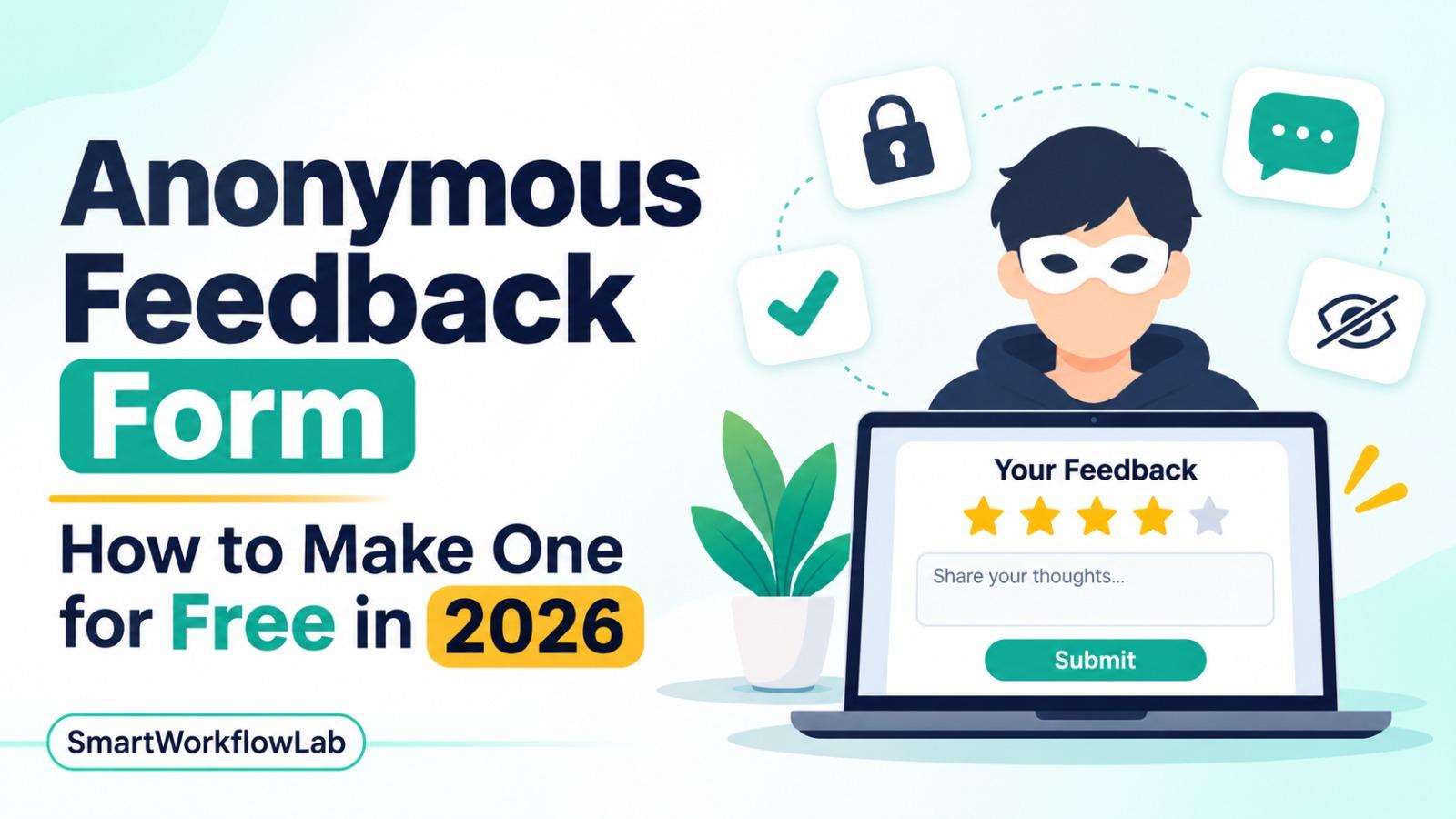
To make an anonymous feedback form, use a form tool that doesn’t require sign-in, turn off name and email collection, and leave out questions that identify people. In Google Forms, set Collect email addresses to Do not collect. In Microsoft Forms, choose Anyone can respond.
Last verified: November 6, 2026
How to Make an Anonymous Feedback Form in 5 Steps
- Pick a tool that doesn’t require sign-in, such as Google Forms, Microsoft Forms or Tally.
- Turn off name and email collection in the form settings.
- Remove identifying questions, such as name, employee ID, team or start date in a small company.
- Test the form in a private browser window and check the response view for any name, email or account.
- Tell people what the form collects, then share the link and wait for enough responses before you read results by group.
The same steps work for an anonymous survey, an anonymous employee feedback form or an anonymous suggestion box.
How we checked this: We used each tool’s own help pages for its anonymity settings and IP address handling, plus dated independent guides where a vendor’s page doesn’t cover a setting. This is a research guide, not a security audit, and settings change, so test your own form before you rely on it. SmartWorkflowLab has no sponsorship or affiliate deal with any tool here.
What Makes a Feedback Form Truly Anonymous
A form is only anonymous if nothing in it, or around it, can link an answer to a person. Check five things:
| Check | Why it matters |
|---|---|
| No sign-in | A sign-in ties every answer to an account. |
| No name or email field | Even an optional field invites people to identify themselves. |
| No stored IP address | Some tools record the IP address of each submission. |
| No identifying questions | In a team of eight, “department” plus “years at company” can point to one person. |
| Enough respondents | With only two or three answers, people can guess who wrote what. |
Two quieter risks catch people out. Microsoft warns that if you send a form to only a few people, you may be able to match them to their answers, and that timestamps can give people away when respondents are in different time zones, according to Microsoft’s anonymous survey guide. Writing style in open-text answers can do the same in a small team.
Settings That Leak Identity
These settings and links undo anonymity in almost any tool:
- Prefilled or personalized links. A link that fills in a name, email or ID for each person ties every answer back to them.
- Hidden fields. Some tools pass data from the link into a hidden field, so check that nothing like
?email=is in the URL you share. - Email-invitation sending. Sending a survey through a tool’s own email invitations can track who responded. In SurveyMonkey, you must turn on Anonymous Responses for each collector, including email ones, according to its anonymous responses guide.
- One-response limits. Limiting each person to one response usually means signing in, as in Google Forms.
- File uploads. Upload questions often require an account, which records who uploaded.
How to Make a Google Form Anonymous
Google’s responses help page explains that the Verified and Responder input options record the email addresses of people who fill out your form. To keep a Google Form anonymous, according to that page and Qualtir’s Google Forms anonymity guide:
- Open your form and go to Settings, then Responses.
- Set Collect email addresses to Do not collect.
- Turn off Restrict to users in [your organization], or respondents must sign in.
- Leave Limit to 1 response off, because it requires sign-in.
- Don’t add file upload questions, which also require sign-in.
- Open the form in a private browser window, submit a test response and check the Responses tab.
With email collection off and no sign-in, you see only the answers and a timestamp, and Google doesn’t show IP addresses in the responses or Google Sheets exports, according to Qualtir.
Watch out in Google Workspace:
- Forms created in a work or school account often default to verified email collection and organization-only access, so check both settings before you share.
- Your organization may run its own monitoring or logging, so if anonymity matters, ask your Workspace admin what’s recorded.
How to Make a Microsoft Form Anonymous
According to Microsoft’s anonymous survey guide:
- Open your form in Microsoft Forms and select Settings.
- Under Who can fill out this form, choose Anyone can respond. Names aren’t recorded, and you don’t need to change anything else.
- If you choose Only people in my organization can respond instead, clear the Record name box.
The Record name box appears only on Microsoft 365 work or school accounts. Forms made with a personal Hotmail, Live or Outlook.com account automatically don’t record names. A free personal account allows 200 responses per form, as covered in our Google Forms alternatives guide.
How to Make an Anonymous Form in Tally
Tally doesn’t require respondents to sign in, and its free plan allows unlimited forms and responses within fair use. Tally says, “we don’t store IP addresses with your submissions,” according to its duplicate submissions guide. If you turn on duplicate prevention, it keeps only a hashed value to spot repeat submissions, or a random respondent ID stored in the respondent’s own browser.
To keep a Tally form anonymous, don’t add name or email fields, and don’t pass names or emails into hidden fields from the link you share.
Anonymous Feedback Tools Compared
| Tool | Free plan | How to make it anonymous | IP addresses |
|---|---|---|---|
| Google Forms | Free, no fixed response cap | Collect email addresses: Do not collect | Not shown to the form owner |
| Microsoft Forms | Free personal account, 200 responses per form | Anyone can respond, or clear Record name | Not documented |
| Tally | Unlimited forms and responses (fair use) | No sign-in by default; leave out name fields | Not stored with submissions |
| SurveyMonkey | Up to 10 questions, with a response cap per survey | Turn on Anonymous Responses for each collector | Removed from results; kept in backend logs for 13 months |
| Jotform | 5 forms, 100 submissions a month | Leave out name and email fields | Always captured; the column can be hidden |
SurveyMonkey’s free vs paid page lists up to 10 questions per survey and a limited number of responses, which was 10 per survey in our November 3, 2026 check; responses over the limit can’t be viewed and are deleted, according to its response limits guide. Turning on Anonymous Responses affects only new responses. Jotform support says “it is not possible to turn off the IP address capture,” and suggests hiding the column instead, in a December 2022 reply.
Verdict: Use Google Forms or Microsoft Forms if your team already lives in one of them, and Tally if you want a free form outside both that doesn’t store IP addresses. Jotform suits named forms better than anonymous ones. For more form tools, see our Google Forms alternatives guide.
Ongoing Anonymous Channels: Suggestion Box, QR Code and Chat
A one-off survey isn’t the only option. To collect feedback all year:
- Anonymous suggestion box link. Keep one always-open anonymous form and pin its link in your intranet, handbook or team chat.
- QR code for physical workplaces. Microsoft Forms has a QR code button that downloads a PNG you can print, according to Microsoft’s sharing guide. For Google Forms or Tally, paste the form link into any free QR code generator. Put it on a poster in a break room, a shop counter or a classroom door.
- Microsoft Teams and Slack. Teams users can share a Microsoft Form inside a channel. Slack has no built-in anonymous messages, so pin your anonymous form’s link in a channel instead of asking for feedback in chat.
Anonymous Feedback Form Questions to Copy
Keep anonymous forms short, with mostly rating questions and one or two open boxes. These question sets work in any of the tools above.
Anonymous employee feedback form
- “How likely are you to recommend this company as a place to work?” (0 to 10)
- “How supported do you feel by your manager?” (1 to 5)
- “Do you have the tools and information you need to do your job well?” (1 to 5)
- “How manageable is your workload right now?” (1 to 5)
- “How comfortable do you feel raising problems or disagreeing at work?” (1 to 5)
- “What’s one thing we should start doing?” (open text)
- “What’s one thing we should stop doing?” (open text)
- “Is there anything else you’d like leadership to know?” (open text, optional)
Question 1 gives you an employee Net Promoter Score (eNPS). Work it out with our free NPS calculator. Question 5 is a simple check on psychological safety, which is whether people feel safe speaking up. Run this set every quarter as a short pulse survey, or add more questions for a yearly employee engagement survey.
Customer feedback
- “How satisfied were you with your experience?” (1 to 5)
- “How easy was it to get what you needed?” (1 to 5)
- “What almost stopped you from buying, or from coming back?” (open text)
- “What’s one thing we could do better?” (open text)
Event, class or workshop feedback
- “How useful was this session for you?” (1 to 5)
- “How was the pace?” (Too slow, About right, Too fast)
- “What was the most valuable part?” (open text)
- “What should we change next time?” (open text)
Questions to avoid: name, email, job title, team, location, start date and age band, unless your group is large enough that each answer still covers at least 5 people.
How Many Responses You Need Before You Share Results
Even a well-built anonymous form can expose people if you share results for a tiny group. CultureMonkey’s guide to anonymity thresholds (updated October 20, 2026) recommends:
| What you’re sharing | Minimum responses |
|---|---|
| Scores for any group | 5 |
| Open-text comments or sensitive topics | 7 to 10 |
| Absolute floor | 3 |
Never report a group of fewer than 3, because a manager who knows two answers can work out the third. In a team smaller than 5, share only the whole team’s combined results.
What to Tell People Before They Answer
People only give honest feedback if they trust the form. Add a short note at the top, and make sure every word is true:
“This form doesn’t ask for your name or email and doesn’t require you to sign in. We’ll only share results for groups of 5 or more, and we’ll tell you what we’re changing by [date].”
If you can’t promise full anonymity, for example because the form needs a sign-in, call it confidential instead and say who can see the answers.
What to Do After the Responses Come In
- Read everything, then group comments into themes, such as workload, communication or tools. Count how often each theme comes up.
- Share a short summary with everyone within the time you promised: the top three themes, what you’ll change, and what you won’t change and why.
- Close the loop publicly. You can’t reply to an anonymous person, so answer in a team meeting, email or noticeboard. A simple “You said, we did” list builds trust for the next round.
- Offer a named follow-up channel for people who want to discuss their feedback, such as an open office hour or a confidential HR contact.
- Handle abusive comments carefully. Leave personal attacks out of the summary, but don’t ignore them: if a comment mentions harassment, safety or a threat, pass it to whoever handles those reports under your company policy.
Anonymous vs Confidential Feedback, and Whistleblowing
| Anonymous | Confidential | |
|---|---|---|
| Is the person’s name recorded? | No | Yes |
| Who can link an answer to a person? | No one | Only named people, such as HR or an outside provider |
| Can you follow up with someone? | No | Yes |
| Best for | Honest feedback on culture, managers or sensitive issues | Complaints or ideas you may need to act on with the person |
A feedback form is not a whistleblowing channel. In the EU, companies with 50 or more workers must set up their own internal reporting channels that protect the reporter’s confidentiality, under the Whistleblowing Directive, according to Bird & Bird’s guide. Use a dedicated reporting tool or provider for reports of fraud, harassment or legal breaches, and keep your feedback form for everyday ideas and concerns.
When to Upgrade From a Free Form
Free forms work well until you need reports by team without exposing people, automatic reminders or trend tracking. At that point:
- Typeform or Zoho Forms give more design, logic and workflow options for anonymous surveys. See our SurveyMonkey alternatives and Google Forms alternatives guides for prices.
- HR feedback platforms such as Culture Amp, Workleap Officevibe and 15Five are built for employee engagement surveys, with anonymity thresholds and 360 feedback built in.
Frequently Asked Questions
How do I make an anonymous feedback form?
Use a tool that doesn’t require sign-in, turn off name and email collection, and remove questions that identify people. Then submit a test response from a private browser window and check that no name or email appears.
Is Google Forms anonymous?
Only if Collect email addresses is set to Do not collect and the form doesn’t require sign-in. Limit to 1 response, organization-only access and file upload questions all make people sign in, so avoid them.
Can the creator of a Google Form see who filled it out?
Not when email collection is off and sign-in isn’t required, because the creator then sees only answers and timestamps. With Verified or Responder input on, each email appears in the responses and the linked Google Sheet.
Is Microsoft Forms anonymous?
Yes, when you choose Anyone can respond, or when you choose Only people in my organization and clear the Record name box. Forms made with a personal Microsoft account never record names.
Can anonymous feedback be traced by IP address?
It depends on the tool. Tally says it doesn’t store IP addresses, Google Forms doesn’t show them to the owner, SurveyMonkey keeps them in backend logs for 13 months, and Jotform captures them in a column you can hide but not turn off.
How many responses do I need to keep feedback anonymous?
Share results for a group only once it has at least 5 responses, or 7 to 10 for comments and sensitive topics. Never report a group smaller than 3.
Is an anonymous feedback form enough for whistleblowing reports?
No. In the EU, employers with 50 or more workers must run a confidential internal reporting channel with its own procedure under the Whistleblowing Directive, and a simple feedback form doesn’t meet that. Use a dedicated reporting tool or provider for serious misconduct reports.
Sources
All checked November 6, 2026 unless a date is shown.
- Google Forms: View and manage form responses; Qualtir’s Google Forms anonymity guide (independent source)
- Microsoft Forms: Set up your survey so names aren’t recorded and Share a form
- Tally: Prevent duplicate submissions
- SurveyMonkey: Anonymous responses guide, free vs paid plans and response limits
- Jotform: Support reply on IP capture, December 16, 2022
- Reporting thresholds: CultureMonkey’s anonymity thresholds guide, updated October 20, 2026 (independent source)
- Whistleblowing: Bird & Bird on the EU Whistleblowing Directive (independent source)